
⏱ 5 min read
We all appreciate automation. It saves time, cuts out repetitive work, and supports growth. But the reality is simple: some things are better left manual.
Before jumping into an integration or building a bot, it’s often worth taking a moment to assess the time and cost and ask yourself: is this truly the right move?
When automation is worth it
To show what I mean by “automate when it genuinely makes sense”, here’s a story from inside our own company — K3-Team.
We ran into a familiar bottleneck: a task that was repetitive, time-consuming, and happening every single month. It wasn’t messy or broken — it was simply a manual process that no longer matched the scale of the business. And that’s exactly the type of situation where automation delivers real value.
Each month we issued invoices and closing documents for roughly 300–400 clients on service contracts. Every client had their own set of rules — prepaid or postpaid, different formats (tax invoices, receipts), custom descriptions, and various payment types. As our client base grew, one person had to spend 3–4 full working days each month doing only this.
What we decided to do
As the number of contracts grew, we realised something important:
We didn’t have a documentation problem — we had an automation opportunity.
Together with our developers, we broke down the entire process and mapped every scenario: who should receive which documents, with what wording, and at what time.
Based on that, we built an automation inside our internal accounting system that:
Pulls data on all active contracts;
Chooses the correct document type (invoice, act, or both);
Generates PDFs automatically using templates;
Populates all variable fields — amounts, descriptions, and service period;
Prepares an email with a pre-set message template and sends it to the right contacts automatically;
Logs each action so we can see what was sent and when.
In total, we invested around 100 developer hours to automate: generating the correct documents, applying the right templates, and sending the emails.
The results
What previously required 3–4 full workdays now takes only 2–3 hours — including a brief review. That’s roughly 25–30 hours saved each month, or more than 350 hours a year.
But the real benefit isn’t just the time saved:
The process is now standardised and error-free;
If the main accountant is away, anyone can run the automation;
Clients receive accurate, consistent, and timely documentation every month;
The freed-up time is now used for more analytical, value-adding work — financial forecasting, improving internal reports, and refining processes.
The investment and payback
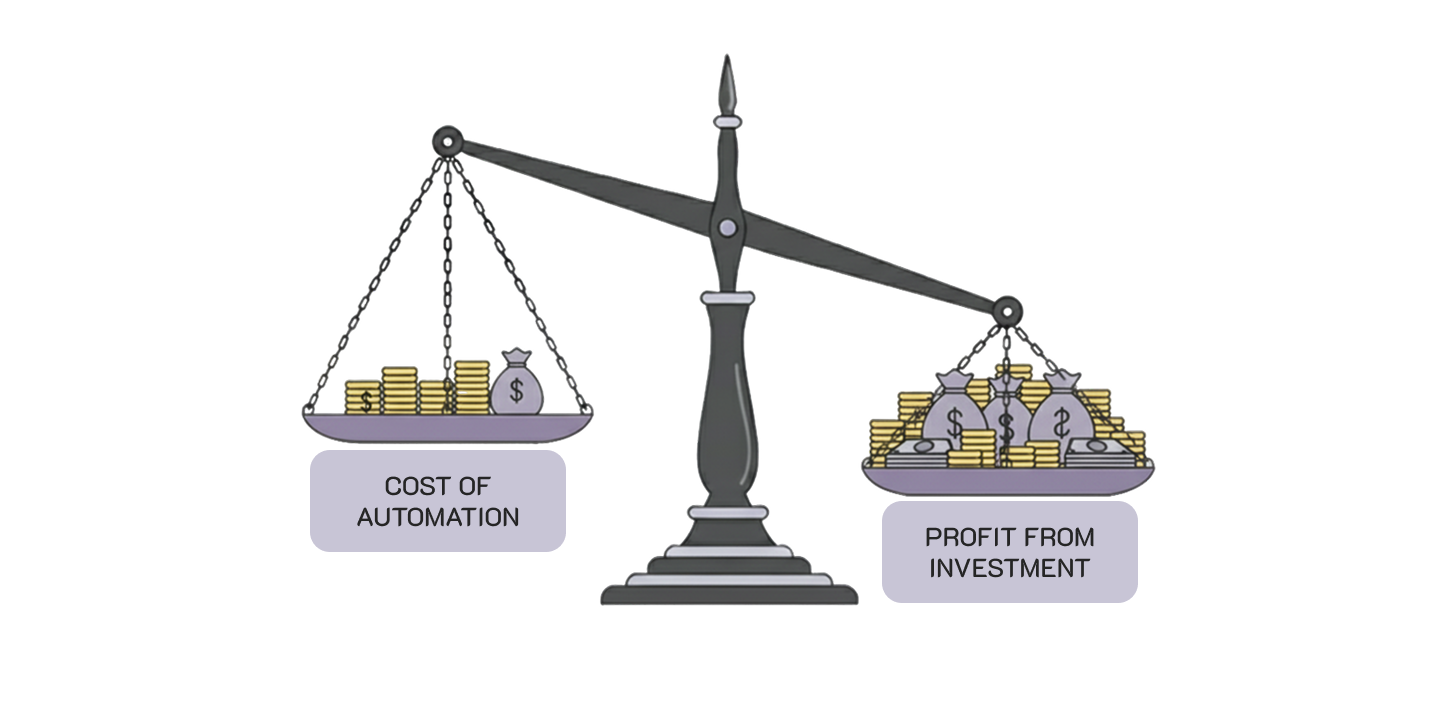
We invested around 100 developer hours to build and test the solution. It paid for itself in just 3–4 months — and that was more than a decade ago.
And when you think about it, how much time has this saved overall? Well over 3,000 hours — nearly two full working years of one employee.
Since then, it has been continuous return on efficiency.
That’s what effective automation looks like: it targets a real pain point, saves hundreds of hours every year, and turns a fragile manual process into something stable and scalable.
When it’s better not to automate
Just as there are strong reasons to automate, there are equally strong reasons to avoid it.
Automation often looks appealing — modern, efficient, almost inevitable. But without the numbers, it can easily become a silent time drain.
Here’s an example from one of our clients.
A client came to us with what sounded like a solid idea:
“Can we integrate our stock management system with our supplier’s software so that orders sync automatically in both directions?”
On paper, it made perfect sense — fewer manual operations, fewer mistakes, quicker updates. Technically, we could absolutely build it. But before writing any code, we asked a few simple questions:
How often do you place these orders?
“Hmm… maybe once every six months.”
Is the supplier’s system stable?
“Not really. They keep changing their formats and fields.”
Who would maintain it on your side?
“Well, probably us — when we have time.”
That was enough to stop and reassess.
We estimated the project at around 100 developer hours — plus ongoing maintenance, testing after supplier-side changes, and troubleshooting each time their data shifted.
Then we ran the numbers together.
If the process happens twice a year and takes about an hour manually, even the best integration wouldn’t pay off for decades. And with the supplier frequently changing their API and data formats, the integration would be fragile and likely require constant fixes.
The client quickly understood: the automation was solving a problem that didn’t really exist.
Investing ~100 hours into something used twice a year — and likely to break — simply didn’t make sense. So we recommended keeping it manual.

Start with awareness
But here’s the key: before we built anything, even in our own automation project, we didn’t bring in consultants or jump into development. We simply recognised the problem.
This is where many teams slip. They rush into automation, AI, or integrations without understanding what’s actually wrong. They automate chaos — and then wonder why everything still feels chaotic.
Automation should solve inefficiency, not replace thinking.
So before building another bot, ask yourself:
Do I genuinely need to automate this?
Or do I just need to fix the underlying process?
Final thoughts
Sometimes automation feels attractive simply because it’s technically feasible.
But feasible doesn’t mean necessary.
A few smart questions, a quick calculation, and a bit of pragmatism can save weeks of unnecessary work and keep your processes adaptable.
Effective automation begins not with code, but with clarity.